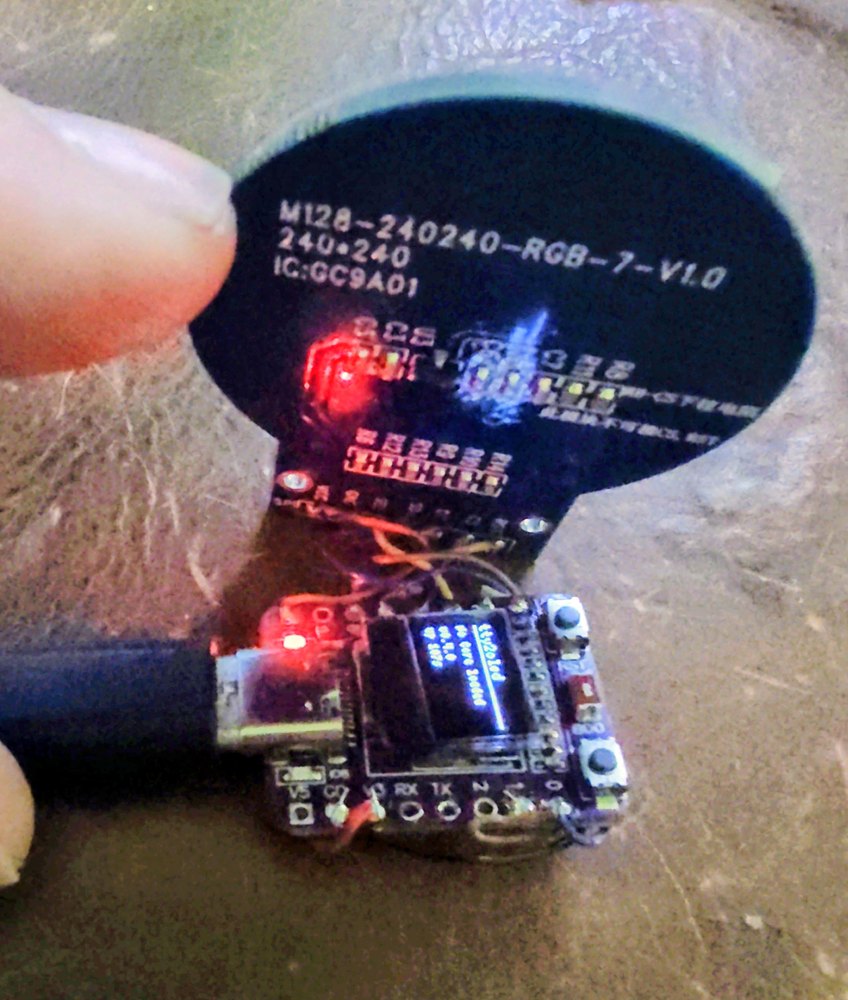
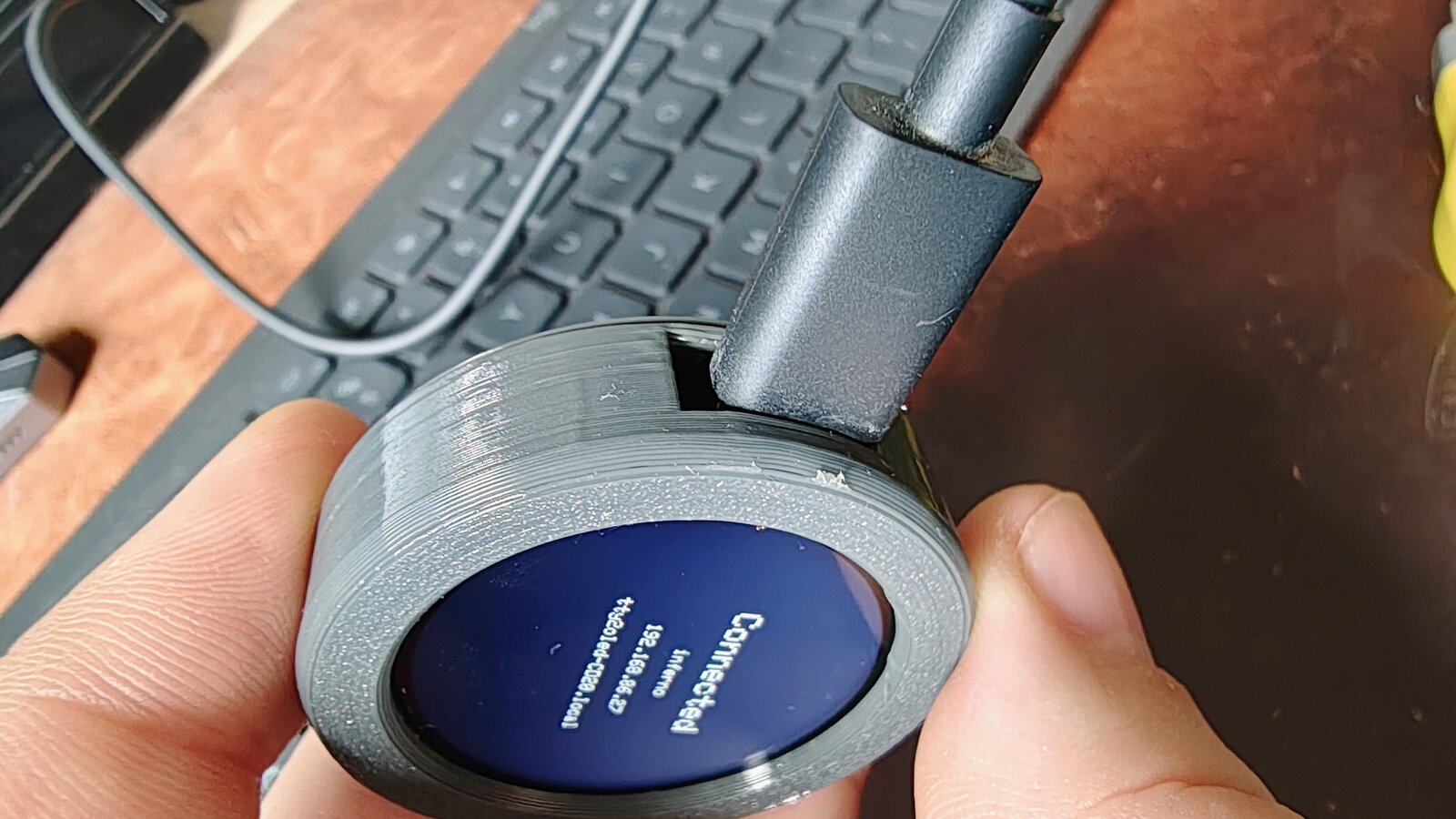
tty2oled-gc9a01
web flasher
Turn an ESP32-C3 and a round GC9A01 screen into a full-colour MiSTer marquee. Flash it straight from the browser, no tools to install.
USB or WiFiFull-colour artWorks with tty2oled
Firmware version 0.5.3
How it works
- Hold the BOOT button on the board, plug it into this computer with a data-capable USB cable, then let go. (The browser usually can't reset these boards into download mode by itself; this step is what makes it connect.)
- Pick your board above, press Connect and install, then choose the serial port (it shows up as "USB JTAG/serial debug unit").
- Wait for the flash to finish, then unplug and replug the board normally.
"Failed to initialize" or the port isn't listed? The board isn't in download mode:
unplug it and repeat step 1 with BOOT held. Also close anything else using the port
(serial monitors, the marquee web app) and make sure you picked "USB JTAG/serial debug unit",
not another serial device.
After flashing
- With no saved WiFi, the display starts an open
tty2oled-XXXXnetwork with a setup page. Press the BOOT button to show a QR code that joins it. - Manage the marquee art from the marquee web app over USB (WiFi works when you run the app locally, see the README).
- Flashing keeps your saved WiFi and settings. When the installer asks, leave Erase device unticked; ticking it wipes them.
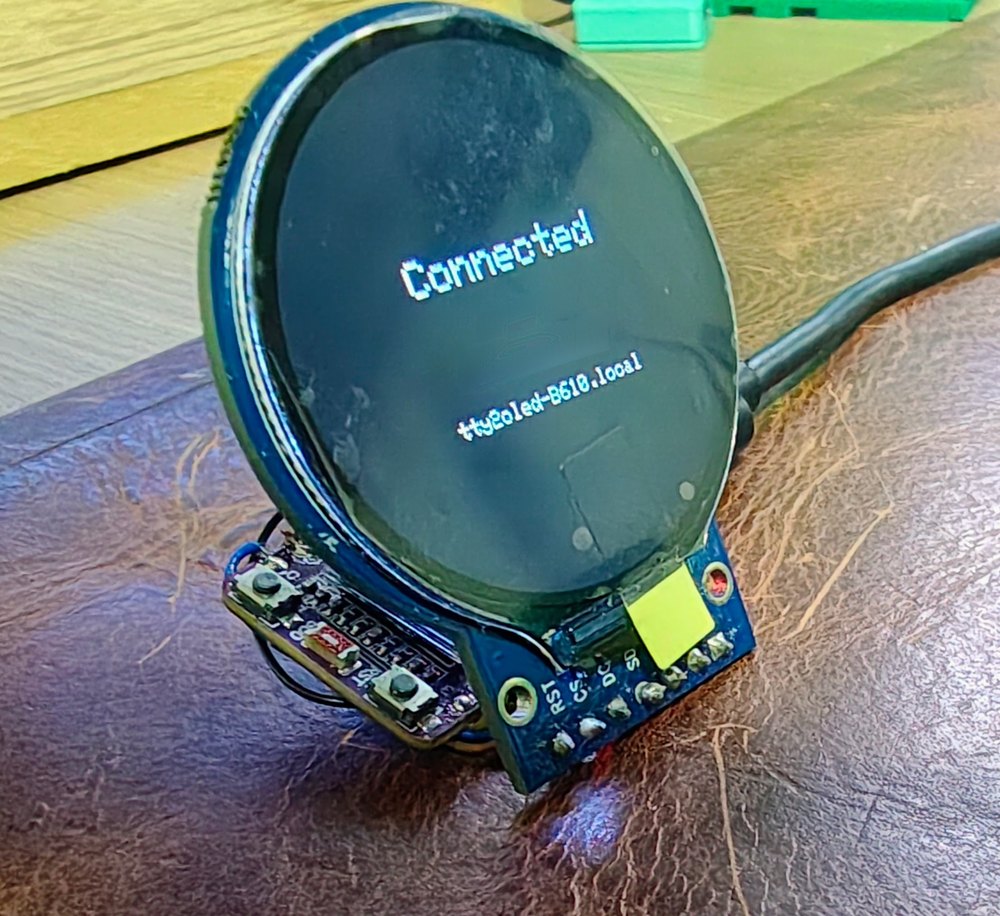
The real thing